
How can I view newly added deals?

Dallim Bhattarai
Updated On 2024-03-19
To keep up with the latest deals, follow the steps outlined below:
- Visit the Vantage Perks homepage, which displays newly added deals & offers.
Additionally, you can also,
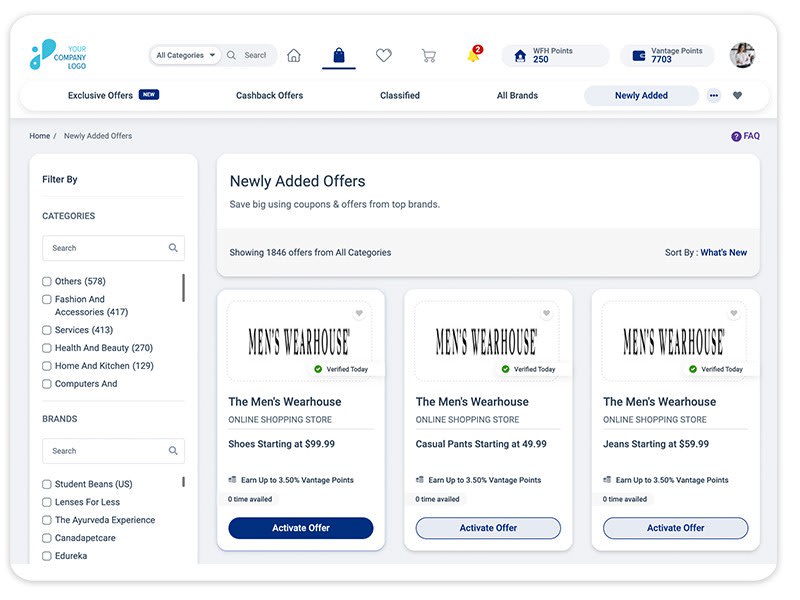
- Visit the Vantage Perks homepage and click the “Newly Added” option from the sub-header section. If unavailable, click on the three dots and select “Newly Added” from the drop-down. or else
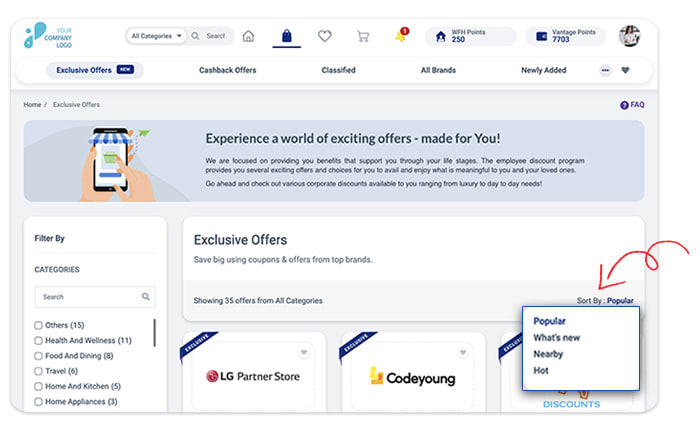
- Use the Sort By feature to sort the newly added offers within each offer page.
Articles in this section