
How do I approve my self-nomination if I am the Approver?

Barasha Medhi
Updated On 2025-03-20
If you’re both the nominator and the approver for your self-nomination, here’s how you can approve it:
Step 1
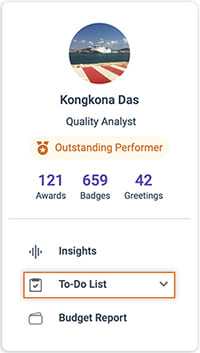
On the left-side panel of the Feed, click on the To-Do List option.
Step 2
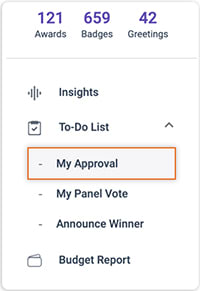
Click on My Approval to navigate to the My Approvals Page. The default tab will be Pending Approvals.
Step 3
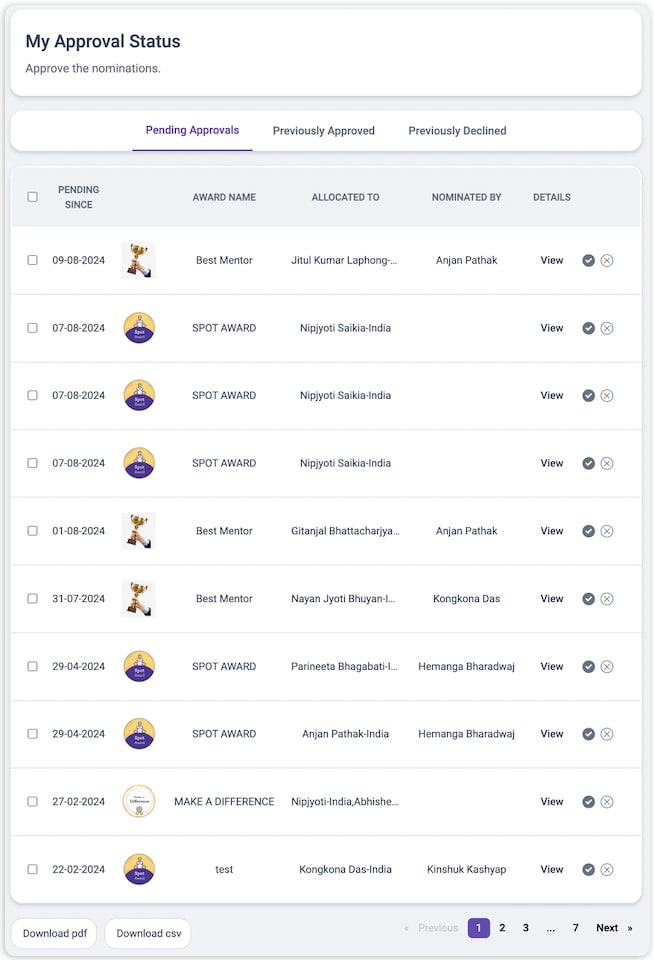
In the Pending Approvals tab, you’ll see a list of awards that need your approval. Locate the award you self-nominated for.
Step 4
To approve, click on the ✓ icon.

Step 5
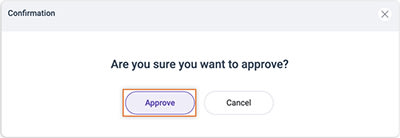
A pop-up will appear asking you to confirm your approval. Click Approve to finalize.
Step 6
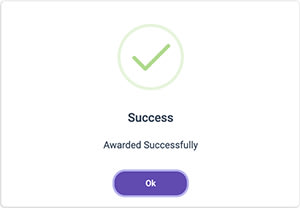
Congratulations! You successfully approved your self-nominated award. Click OK to complete the process.
Articles in this section
Most Viewed Articles for Vantage Recognition
What core objectives can be achieved with Intelligent Recognition? How does Intelligent Recognition enhance authentic expression in recognition? How does Intelligent Recognition foster a strong culture of appreciation? How does Intelligent Recognition streamline and simplify the recognition process?