
How do I access the Vantage Circle Agent?

Dalim Bhattarai
Updated On 2026-01-30
Steps to access the Vantage Circle Agent:
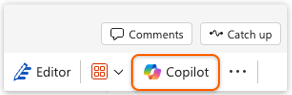
Step 1: Click the Copilot icon or option available within your Microsoft 365 workspace, whether you’re working in PowerPoint, Word, Excel, Outlook, or other M365 apps.
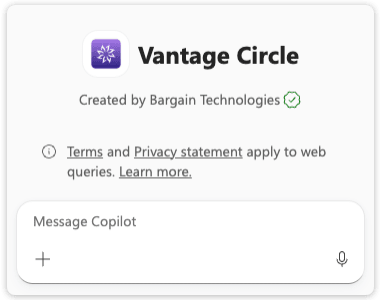
Step 2: Select Vantage Circle Agent from the list of available agents.
Step 3: Start using the agent to recognize.
Articles in this section
Most Viewed Articles for Vantage Recognition
What core objectives can be achieved with Intelligent Recognition? How does Intelligent Recognition enhance authentic expression in recognition? How does Intelligent Recognition foster a strong culture of appreciation? How does Intelligent Recognition streamline and simplify the recognition process?