
How to extend the end date of an ongoing campaign?

Dalim Bhattarai
Updated On 2025-10-29
To extend the end date of an active campaign, follow these steps:
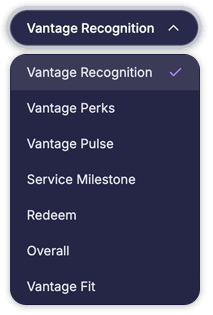
Step 1: Log in to the platform, navigate to the Admin Dashboard, and select Vantage Recognition from the header bar.
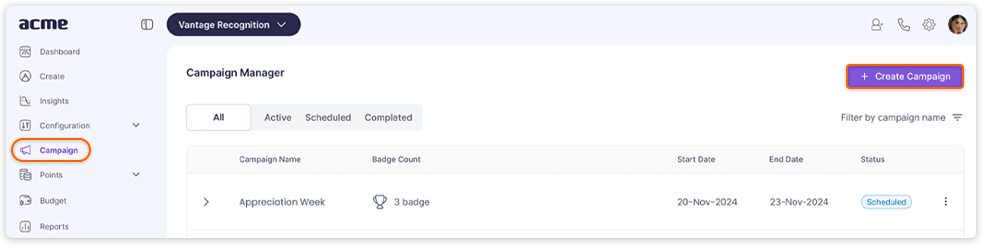
Step 2: Click Campaign from the left panel.
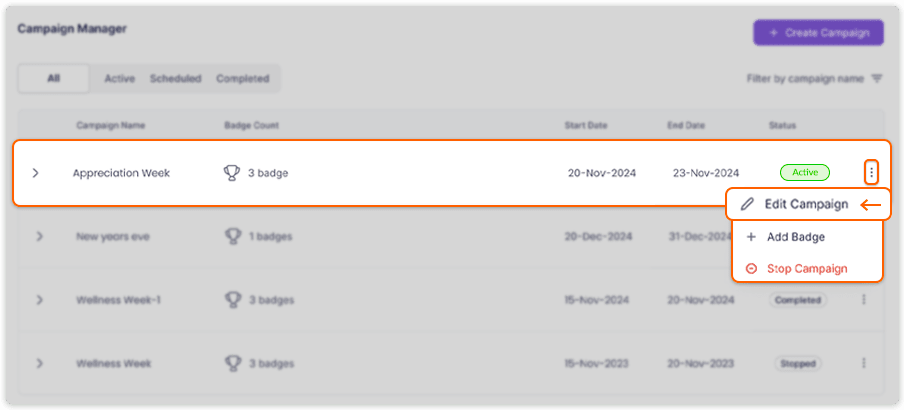
Step 3: Locate the campaign whose end date needs to be extended, and click the three dots at the end of the campaign row.
Step 4: From the pop-up menu, select Edit Campaign.
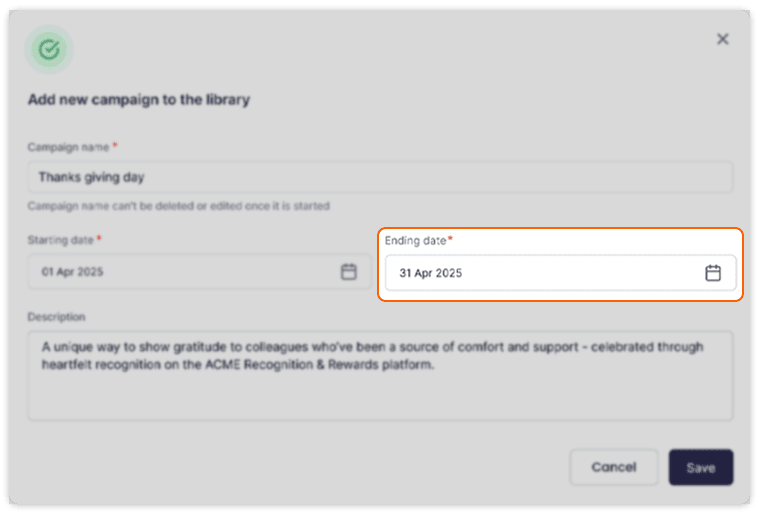
Step 5: In the window that opens, update the End Date as required and click Save to apply the changes.
Articles in this section