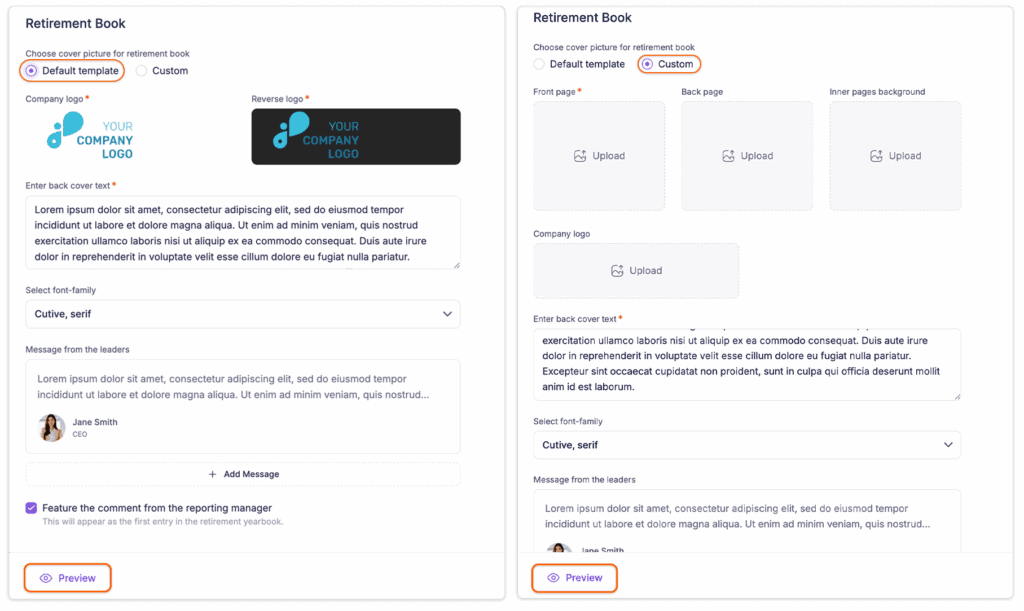
Configuring the Retirement Book is simple. Follow the steps below :
Step 1: Log in to the Recognition Platform and go to the Admin Dashboard.
Step 2: From the top header bar, select “Service Milestone” from the dropdown menu.
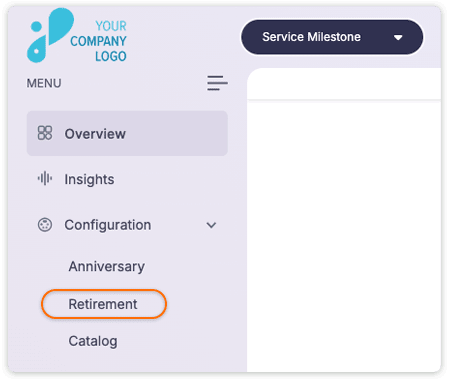
Step 3: In the left-hand panel, click on Configuration and select Retirement.
Step 4: Configure the Retirement Book layout and content:
-
Choose a cover template: Use the default template or select custom to upload a custom front page, back page, inner page background, and company logo.
-
Enter the text for the back cover.
-
Select the font family (font style).
-
Add a message from the leader. You can include additional leader messages by clicking “Add Message.”
-
Optionally, choose to feature a comment from the reporting manager.
Step 5: Click Preview to review the Retirement Book design. If everything looks good, click Update Retirement Book to finalize.