

Acknowledging and appreciating your colleagues is simplified with our user-friendly and tailored platform. To recognize and appreciate the efforts of your colleague, follow the steps outlined below.
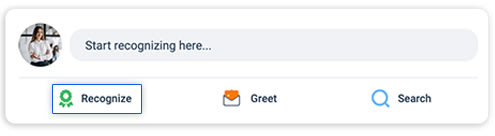
Step 1. Begin by logging in to the platform, select the Feed tab from the header bar, and click “Recognize” from the Primary Recognition Area.
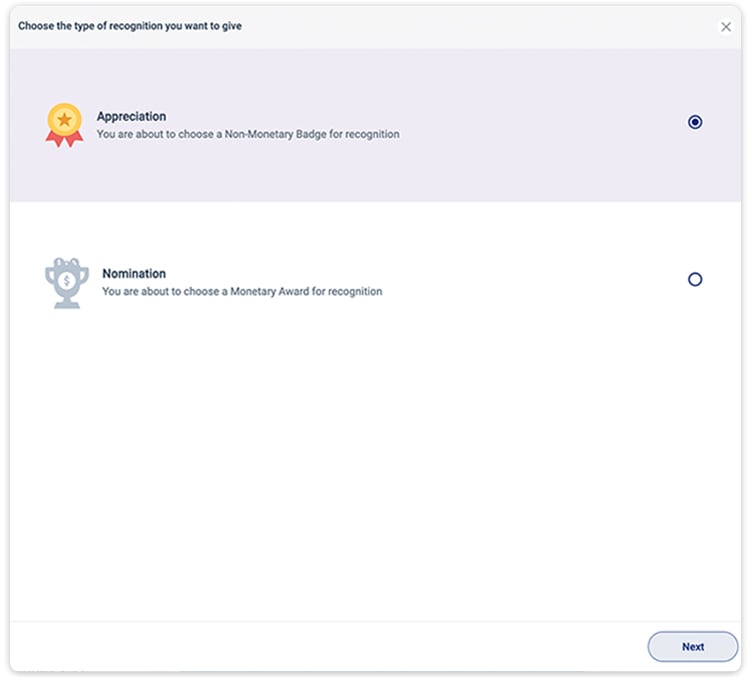
Step 2. Select “Appreciation” ( non-monetary) in the subsequent pop-up window.
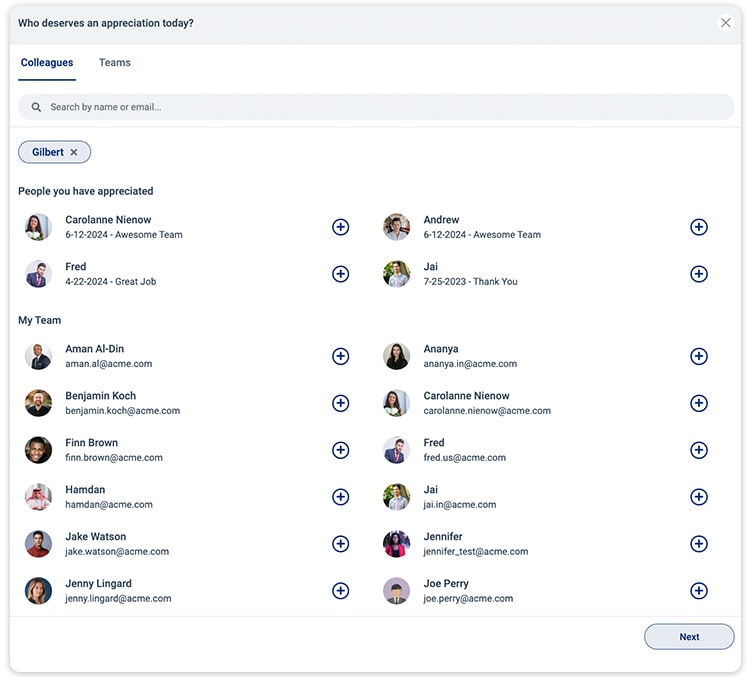
Step 3. Search for colleagues by name or email, or explore your team under the “My Team” option.
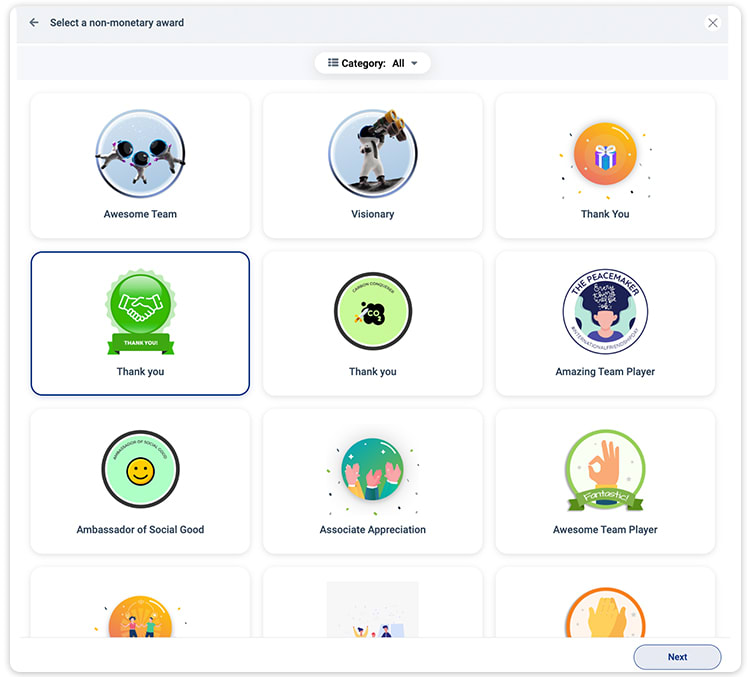
Step 4. Choose a non-monetary badge and add an appreciation message on the next page.
Step 5. Utilize AI-enabled text prediction for message templates. Use hashtags to reflect their values and upload images to enhance recognition.
You can also personalize your recognition by adding up-to 3 images of 5 MB each and 3 hashtags at max.
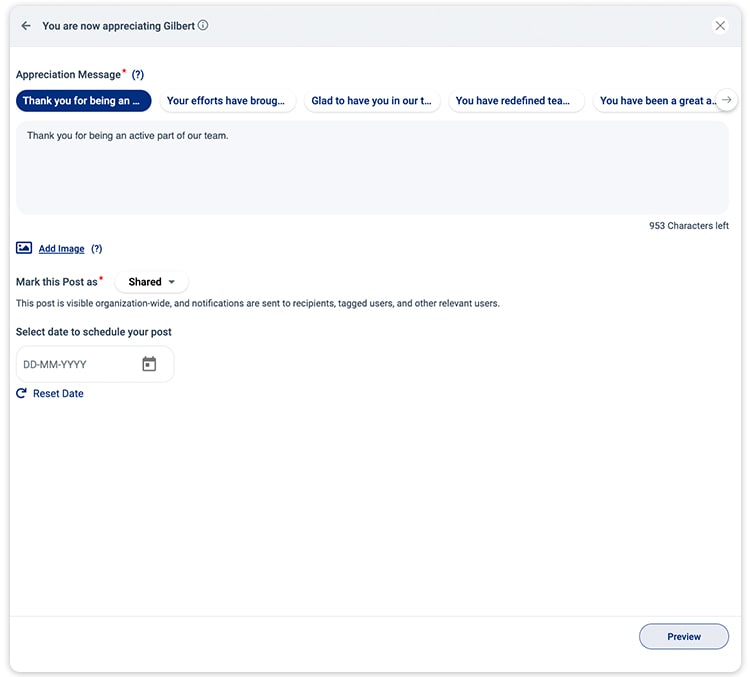
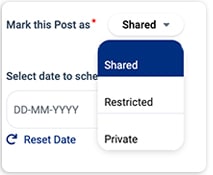
Step 6. Customize the visibility of your content in the social feed according to your privacy preferences. Select from ‘Shared,’ ‘Restricted,’ or ‘Private’ access levels.
Additionally, you can schedule posts to be published in the future.
Step 7. Preview it before posting, and click the Post button to send the appreciation.
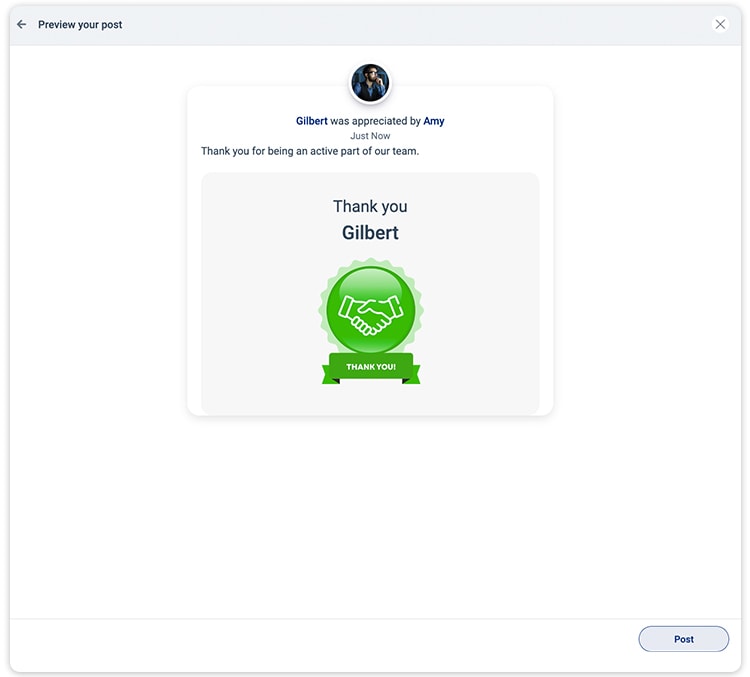
Recipients will be notified via mail, and posts will appear on the Social feed based on configured visibility settings.