
Give awards from a CSV file
Create the award in Recognition → Awards with the CSV award type, then upload the people and points in Rewards Hub → Reward points. Nobody can nominate for a CSV award.
A CSV award is for giving the same award to many people at once from a file, such as a quarterly bonus. There are two parts. You create the award in Recognition, then you upload the people and points in Rewards Hub.
Create the award
-
Go to Recognition → Awards and select Create award.
-
Choose CSV award and select Continue.
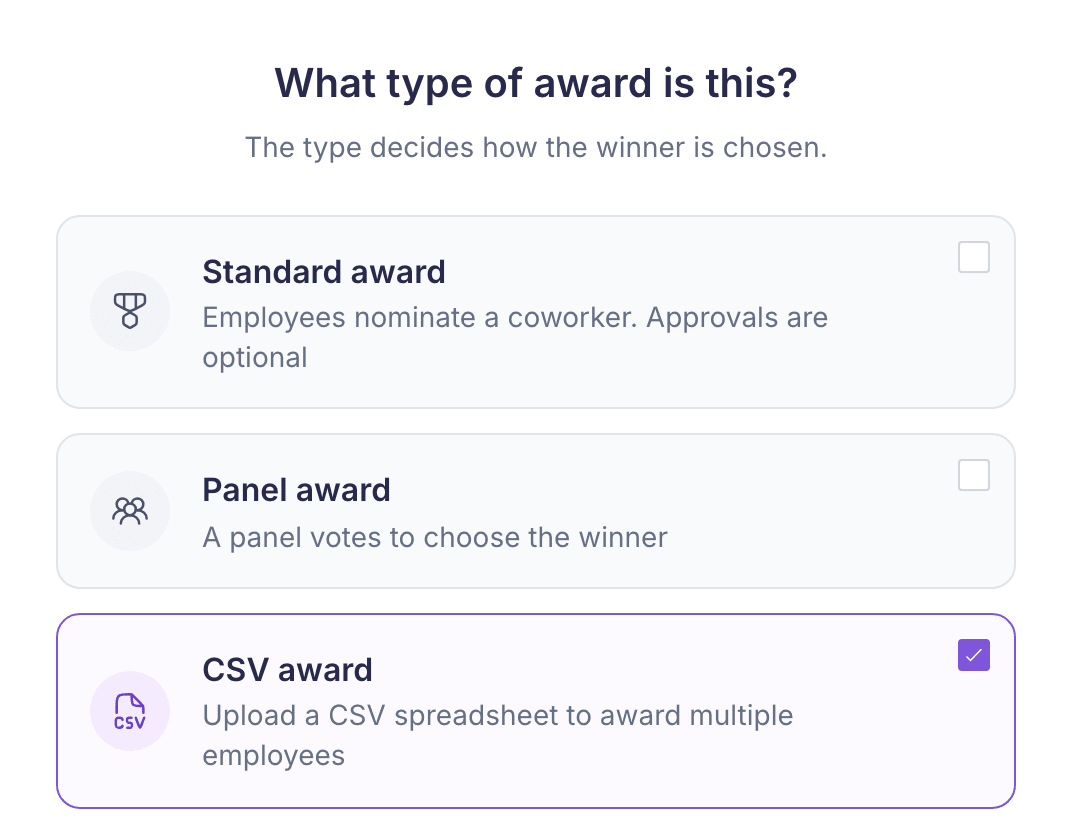
-
Work through the steps as you would for a standard award. A few fields are left out, because nobody nominates for a CSV award:
- Choose which answers lead to this award
- Enable nomination justification
- Nominator grade groups
-
Select Create award.
In the awards list, a CSV award’s Type shows as Standard. Open the award to see CSV award on its page.
Give the award
Go to Rewards Hub → Reward points and open Award points. Choose the upload type, then select Download CSV template.
The template’s columns depend on how your company’s uploads are set up. If it has an Award Name column, enter the award’s name exactly as it’s spelled in Recognition → Awards. The award must be active and available in the country you’re uploading for. If no active award matches, the points aren’t linked to your award.
If your company’s points uploads post to the feed, the post shows the award named in the file.
Submitting the file creates a batch. No points are issued until the uploader’s approver approves it. For the full upload and approval steps, see Points and transactions.
Things to know
- Nobody can nominate for it. Employees don’t give a CSV award from the employee site, and it doesn’t go through My Approval.
- The type is fixed. You can’t turn a saved CSV award into a standard or panel award. Use Duplicate to start a new one with a different type.