

When a Boost is added to recognition you have received, Vantage Recognition confirms it through several channels at once. You do not have to check the platform manually.
1. Email notification
You will receive an email notification that names the person who Boosted your recognition, shows their personal message, and lists the additional points added. The email links back to the original recognition post so you can see the full context.
2. In-app notification on web and mobile
A notification appears in your Vantage Recognition notification tray on the web app, the iOS app, and the Android app. Tapping the notification opens the original recognition post with the Boost layered on top.
3. Boost shown on the original Recognition Feed post
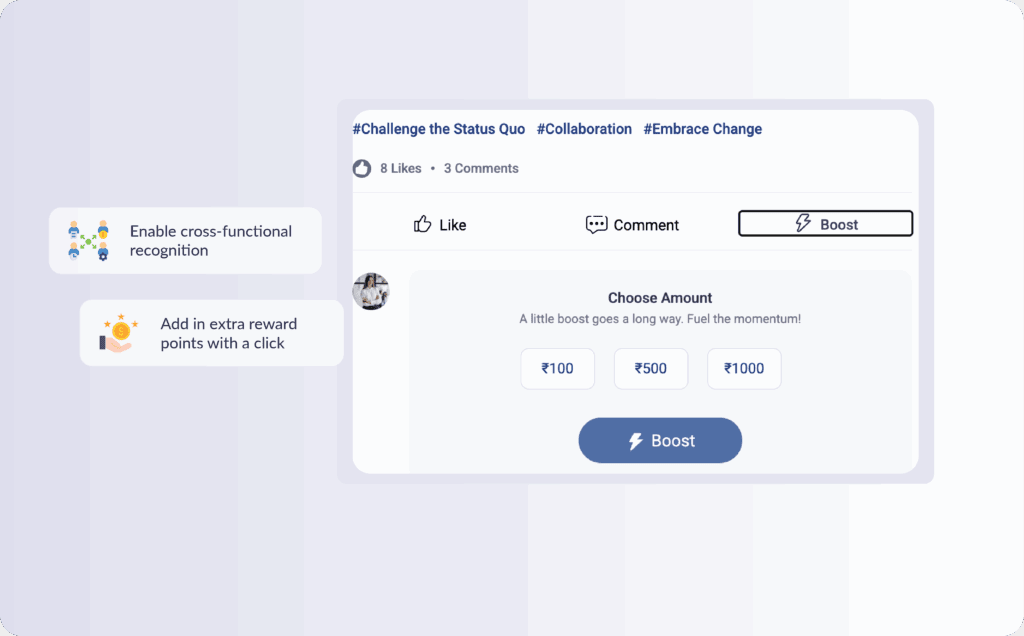
The Boost is not a separate post. It appears as a connected layer on the original recognition you received. The post shows the original giver, the original message and points, and below that, the Booster’s name, message, and additional points. If multiple people Boost the same recognition, each Boost is displayed in sequence on the same post, with the total recognition value visible to anyone who views it.
4. Points credited to your Vantage Points wallet
The Boost points are credited automatically to your Vantage Points wallet. You do not need to accept or claim anything. The new balance is visible the next time you open your wallet, and the wallet transaction history shows the Boost as its own line item with the Booster’s name.
5. MS Teams or Slack notification (if integrated)
If your organization has integrated Vantage Recognition with MS Teams or Slack, a Boost notification card is delivered to your chosen channel, alongside the original recognition card.
What if the same recognition is Boosted by more than one person?
You will receive a notification for each Boost by default. If your HR Admin has enabled batch Boost notifications, same-day Boosts from multiple people are grouped into a single notification at the end of the day to reduce alert volume.
Where to go next
If you do not see any of the above signals within a few minutes of being told a Boost was added, check your notification preferences inside Vantage Recognition. If the Boost is still missing, reach out to your HR Admin or contact Vantage Circle support.