

 EN
EN  FR
FR  ES
ES  DE
DE 




Product Update - Features & Integrations To Upscale Your Employee Engagement in 2021
At Vantage Circle, we thrive on bringing the best possible solution for all our associates and partners for enhancing employee engagement within their organization. And going forward with the same, as we step into a new fiscal year, our team made sure that our platform is all set to accommodate the varying needs of enterprises by introducing some new features and product integrations.
Let’s have a look at the new updates and what it brings to your organizations.
Feed Engagement Score
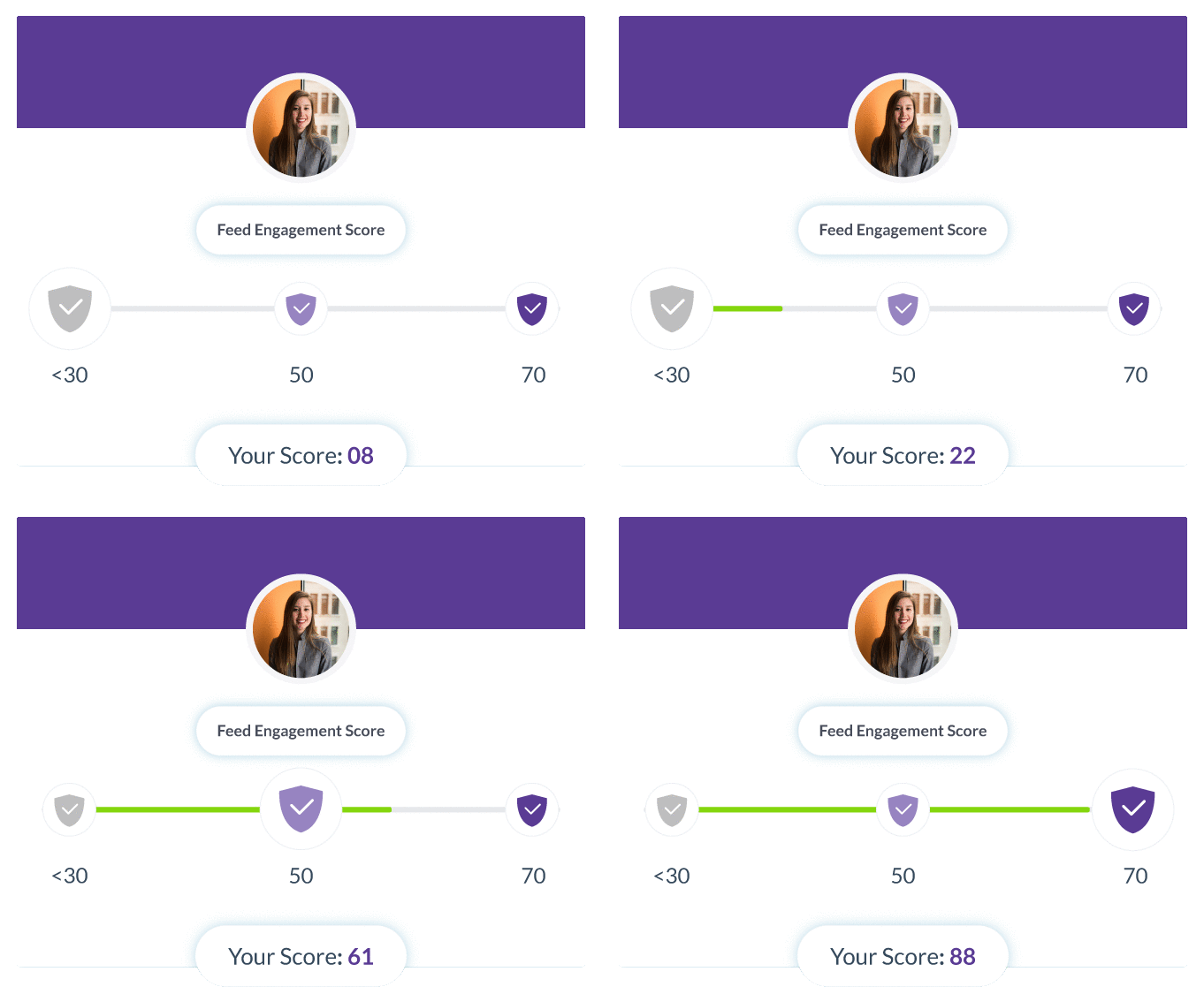
We have recently added a new feature called the “Feed Engagement Score” in our Vantage Rewards Platform.
The Feed Engagement Score gives the users, i.e., employees’ the real-time engagement score based on their activity within the platform.
The weightage of this score is derived from 3 parameters:
- Appreciation given to peers
- Comments/Replies on feed posts
- Likes on feed posts/comments/replies
Here, the score of the most engaged employee considering their activity in the past 30 days within the platform is taken as a benchmark for calculating the score of others.
The Feed Engagement has been bifurcated into two categories-
Individual Score (Employee Score)
It is calculated based on an individual's activity within the platform as per the three pre-defined parameters. Different badges are assigned based on their score that is displayed below their profile picture.
Organizational Score
The organizational score is the average engagement score of all the employees within the organization.
Types of Badges
Grey Badge - For employees whose engagement score is less than 50.
Light Theme - For employees whose engagement score is between 50 to 70.
Bright Theme- For employees whose engagement score is greater than 70.
Available Customizations
There are three available customizations for this newly added feature.
MS Teams R&R Integration
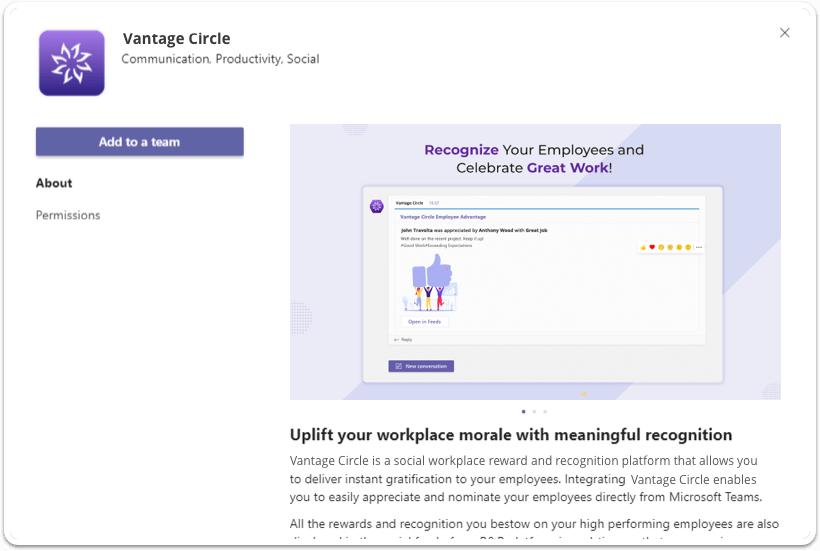
As per the demand of most of our clients who rely on MS Teams to support their internal communications, we have integrated our Vantage Rewards platform into MS Teams.
With this integration, organizations using MS Teams can easily reward and recognize their employees using Vantage Rewards without leaving their team channel. Thus, paving the way for enhancing the participation rate for your R&R initiatives.
What Are Its Key USPs?
- Easy Integration
- Quick Appreciation
- Prompt Awarding
- Open Communication channels
How Convenient Is It?
Once Vantage Rewards is integrated and connected with your MS Teams by the admin, users can select the Vantage Rewards message from the taskbar inside MS Teams and choose their preferred option, whether to appreciate or nominate their colleagues.
All the rewards and recognition bestowed within the MS Teams channel will also be displayed over the social feed of the Vantage Rewards platform.
To know more about integrating and connecting Vantage Rewards with MS Teams, Click Here
Slack R&R Integration
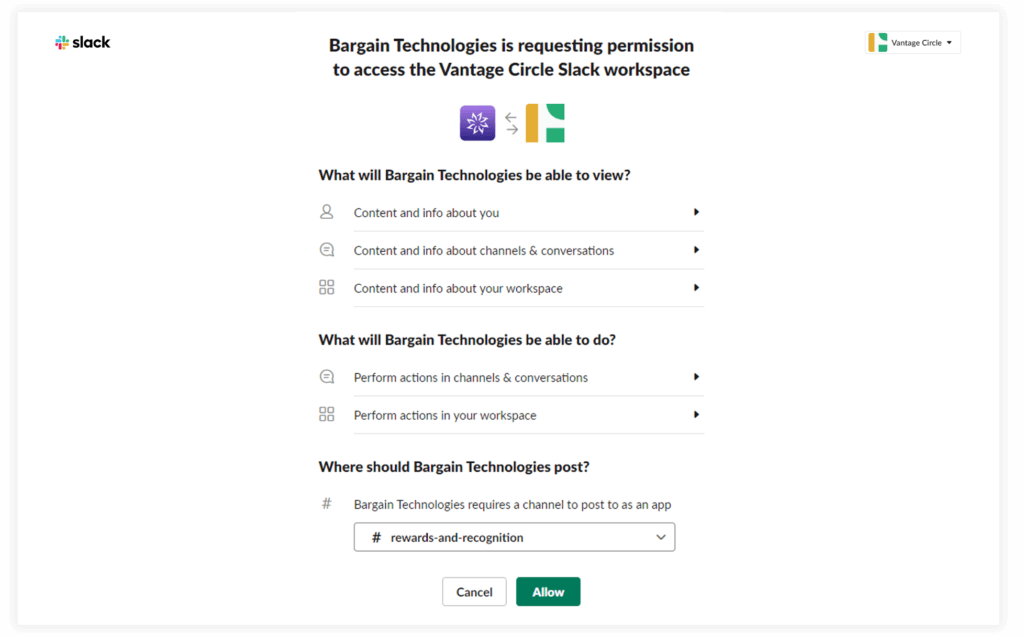
Slack is another popular team communication tool with which our customers can now integrate their Vantage Rewards platform for bolstering employee engagement through R&R from within their slack chat window.
What Are Its Key USPs?
- Send appreciation to teammates.
- Managers can give awards to the team members
- Employees can nominate their peers
- Instant notifications.
Both nomination and appreciation can be quickly done with a button inside the home tab.
Here, all the nominations and appreciations given within slack using the Vantage Rewards integration will be in the R&R social feed.
To know more about integrating and connecting Vantage Rewards with SLACK, Click Here
Updates on Vantage Fit - Our AI-Powered Corporate Wellness Solution
E-Marathon on Vantage Fit
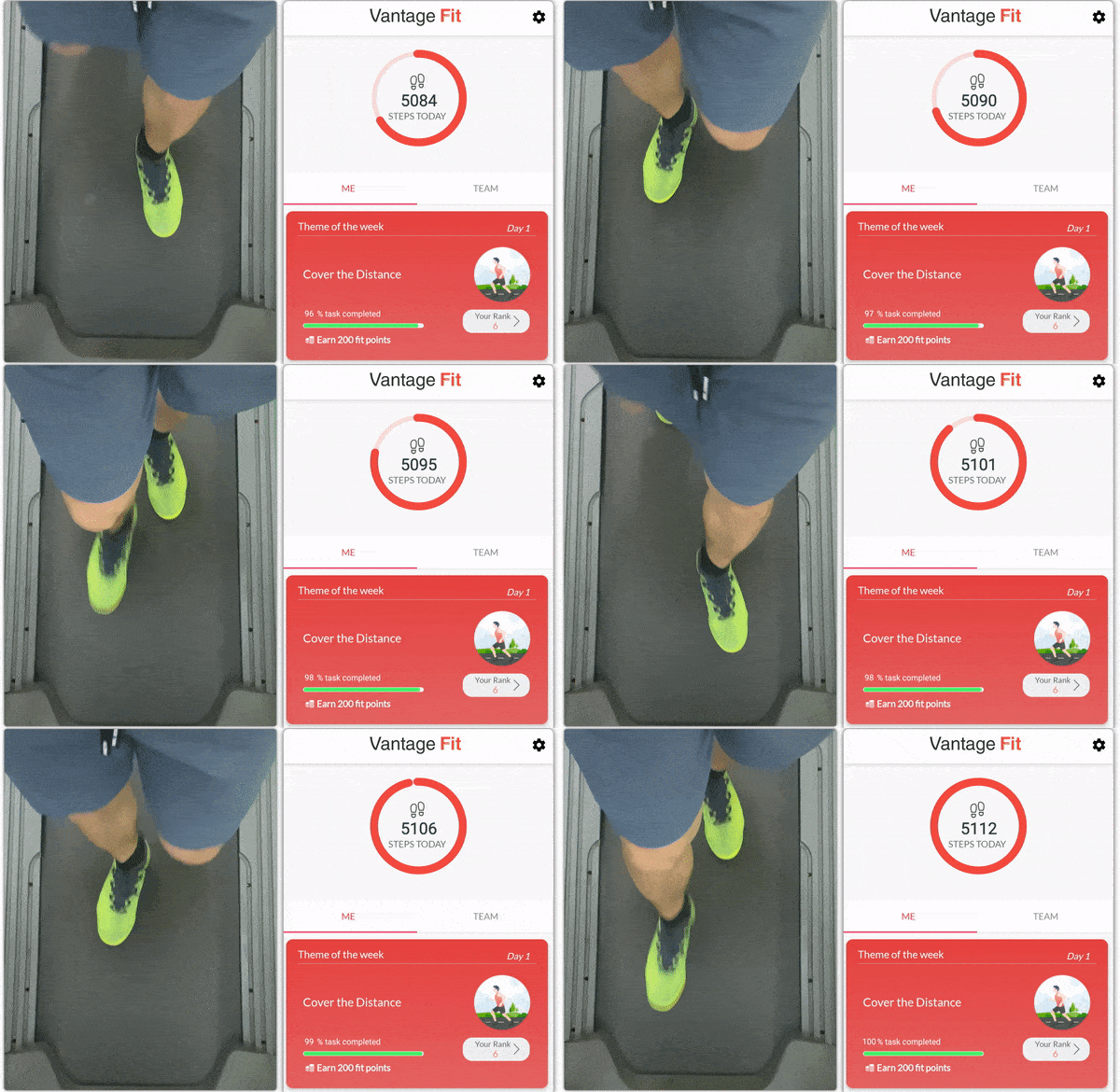
Given the ongoing COVID-19 pandemic, our team added a unique feature for our Vantage Fit clients, who’ll now be able to host an E-marathon contest to keep their employees healthy and engaged.
This unique challenge format will help you simulate a virtual marathon while considering 1000 steps as 1 KM or 1609 steps = 1 Mile. Here you can define your desired finish-line with a virtual mile-marker.
We created this feature to help our users elevate their virtual employee wellness initiative. The feature counts in the steps walked by the user anywhere without GPS tracking.
Other Updates on Vantage Fit Include -
- Users will now be able to change their passwords in the app itself. However, it is only applicable for users signing in with their email address and password.
- The app now supports regional localization for metrics. Based on a user’s geographic location, the app shows relevant units, Imperial or Metric System SI.
- Admins will now have complete control over team management, i.e., from creating one to updating its members.
- Admins can track multiple wellness programs running across several locations on one single dashboard screen with dedicated pages for all.